Drive Zone Online Multiplayer — How to Play With Friends, Rooms & Car Meets
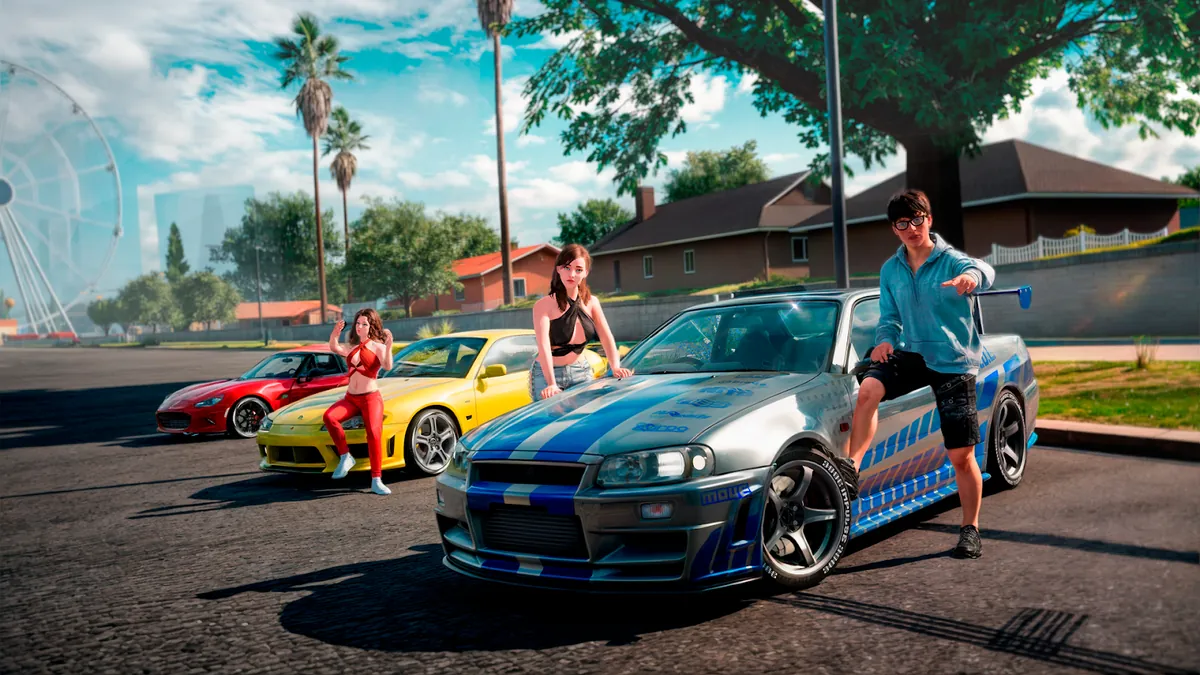
Drive Zone Online is built around other players. The official pitch for the game on Google Play, where Jet Games FZ-LLC lists it as “Drive Zone: Car Simulator Game”, is simple — invite a friend and drive around the city together — and drive zone online multiplayer backs that up with up to 32 players sharing one open world, proper race and drift modes, and private rooms for your own crew.
This guide covers how multiplayer actually works: every mode explained, the general flow for joining friends, how private rooms and car meets work in practice, and the fixes for the connection problems that stop most players from ever meeting up. On PC instead of a phone? The same multiplayer works through Google Play Games — see our Drive Zone Online for PC guide for the setup.
Quick Answer
Yes — Drive Zone Online multiplayer supports up to 32 players in one session. You can free-roam the 20×20 km Grand Car Parking City world together, compete in DRIFT (most drift points wins) and CAR RACE (first to the finish) modes, try SKILL TEST challenges and Police vs Racers, or open a private room so only your friends get in. The one requirement that catches everyone out: all players must be on the current game version, or you will not see each other online.
The Multiplayer Modes, Explained
Free roam is multiplayer by default — when you load into the open world, you are already sharing it with other players. The competitive modes sit on top of that world. Here is what each one actually involves:
| Mode | How It Plays | Best For |
|---|---|---|
| Free Roam | Up to 32 players cruising one shared world — city streets, desert airfield, racing track, highway, beach and port. No timer, no winner: explore, drift, stunt and meet up. | Cruising with friends, car meets, casual drifting |
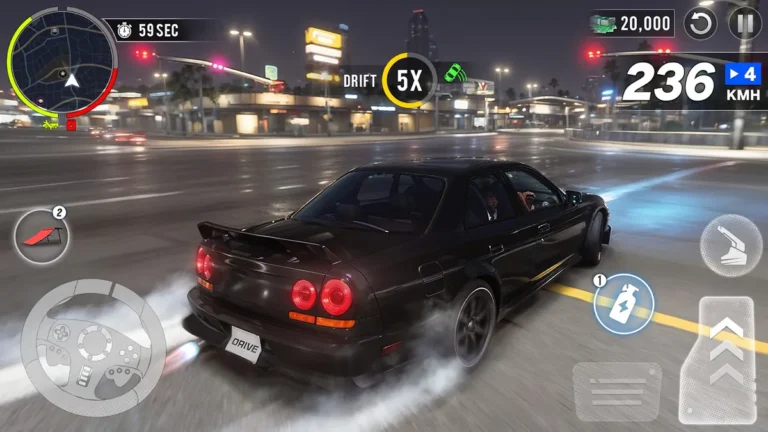
| DRIFT | A scored drift competition — the player with the most drift points when the round ends wins. Clean, chained slides beat wild spinning. | Drift battles and settling who really controls a slide |
| CAR RACE | Straightforward racing: first across the finish line wins, and crashes cost you real time, so a clean line beats a reckless one. | Head-to-head races and proving the faster build |
| SKILL TEST | Stunt-based challenges that test car control rather than outright speed — precision driving, jumps and technical sections. | A change of pace and showing off car control |
| Police vs Racers | A team mode: one side plays the police trying to stop the other side’s racers. Roles flip the usual racing dynamic completely. | Groups who want chaos instead of lap times |
Beyond the named modes, street racing and drag racing are part of the game’s activity mix, and the Auto Market adds a quieter kind of multiplayer: trading cars and skins with other players auction-style between drives. Save up together, outbid each other, then settle it on the road — multiplayer in this game is not one lobby, it is the whole world.
Where to Meet: The Best Spots in the World
A 20×20 km map is a gift and a problem: there is room for everyone, and no chance of finding anyone by luck. These are the rendezvous points experienced groups use, because each one is unmistakable even for a first-time visitor:
- The port — wide open ground and long sightlines. The easiest place in the game to spot a friend’s car from a distance, and a natural start point for a meet.
- The desert airfield — flat, empty and huge. The best spot for lineups, drag runs and testing top speed without traffic getting in the way.
- The racing track — when the cruise turns competitive, the track gives you a proper circuit for lap comparisons in matched cars.
- The beach — the scenic option. Best light, best screenshots, and a relaxed place to end a cruise.
- The highway — not a meeting point but the connective tissue: a high-speed run between the city and the outlying areas is half the fun of a group drive.
Practical tip: agree on the spot before anyone leaves the menu screen, and have the host wait at the landmark rather than driving to meet halfway. In a world this size, two moving targets rarely find each other.
How to Play With Friends
The exact button labels in the menus can shift slightly between game updates, but the flow below is how joining friends works in Drive Zone Online — follow it in order and you will avoid the problems that fill the game’s support questions.
- Update both games first. Every player must be running the current version. Version mismatch is the number one reason friends cannot join each other — old builds cannot connect to the current multiplayer at all. Check what is current on our latest version page.
- Both start the game online. Load into free roam rather than an offline session. If one of you is playing offline, you are invisible to each other.
- Add each other in the game’s friends system. Use the in-game friends/room tools to connect your accounts so invites can reach the right player.
- Join the same session, or make a private room. Either drop into the same public free-roam session, or have one player create a private room and invite the rest of the group in — the private room is the reliable option for a planned meet.
- Pick a rendezvous landmark. The world is 20×20 km, so “come to me” needs a target. The port, the desert airfield and the beach are wide, open and easy to recognise — ideal first meeting points before you cruise.
One honest note: because the developer tweaks menus between versions, a button may sit in a slightly different place than a video guide shows. The sequence — same version, both online, friends added, same room — does not change.
Private Rooms & Car Meets
Private rooms exist so your group can drive without strangers interfering. They are the right tool for:
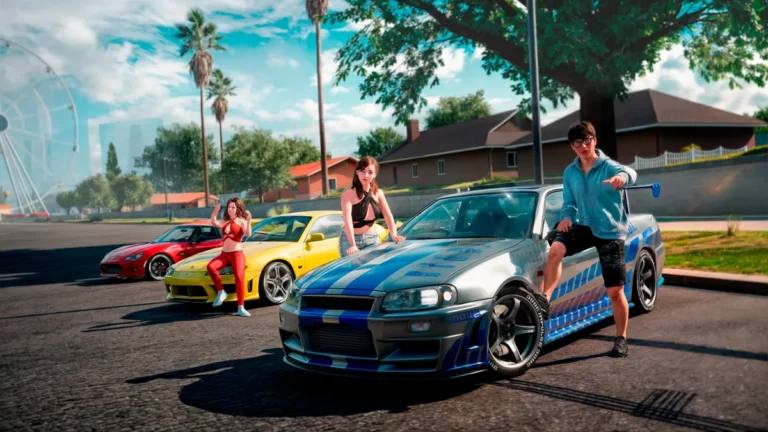
- Car meets — line up your builds, compare liveries and tunes, and take group screenshots.
- Fair races — run DRIFT and CAR RACE rounds against friends in similar cars instead of random public lobbies.
- Tune testing — compare setups back to back on the same stretch of road.
- Crew cruises — a relaxed convoy across the map, from the city out to the airfield or down the highway to the beach.
There is no separate “car meet mode” — a meet is simply what a private room or a quiet corner of free roam becomes when players treat it as one. A meet that works usually runs in this order: everyone gathers at an agreed landmark, the group lines up for a look at each other’s builds, someone calls a cruise route, and the driving ends up at a second spot for the racing. Structure sounds stiff, but in practice it stops the session dissolving into everyone drifting in different directions.
A little etiquette keeps meets fun: do not ram the lineup, give each car its moment when the group is showing builds, take turns leading a cruise, and if you want to race, say so and move to a mode instead of turning the meet into a demolition derby. Hosts set the tone — if you opened the room, a one-line plan in chat (“port first, then airfield”) does more for the session than any setting.
Connection Troubleshooting
Most multiplayer problems are not the game’s servers — they are version, connection or room mistakes. Work through this table before reinstalling anything:
| Problem | Likely Cause | Fix |
|---|---|---|
| Can’t join a friend’s session | Version mismatch — one of you is on an old build | Both update to the current version, restart the game, then re-invite |
| Lag and rubber-banding | Weak or busy connection — 32-player rooms punish unstable mobile data | Switch to stable Wi-Fi, move closer to the router, pause downloads and streams on the network |
| Room not found | Room closed, or one player is not in online mode | Confirm both players are online, then re-create the room and send a fresh invite |
| Kicked back to the menu | Server hiccup, dropped connection, or a build problem | Rejoin once; if it repeats, work through our not-working fixes |
A general rule worth remembering: the bigger the room, the more your connection matters. A full 32-player free-roam session on hotel Wi-Fi or a weak mobile signal will stutter no matter how good your phone is — save ranked-feeling races for when you are on a connection you trust.
Online on a Modded Client? Read This First
This guide is written for the official game, and official players have nothing to worry about online. But this site also covers the modded version honestly, so the warning belongs here: playing online with a modded client carries a real ban risk. The game’s money and account data are tracked server-side, which is exactly why modified clients stand out in multiplayer. If you experiment with the mod, keep it offline or on a throwaway account, and read our MOD APK safety guide before you take any modified build into a public room. Our Drive Zone Online MOD APK pillar page lays out what works online and what does not, feature by feature.
Frequently Asked Questions
How many players can play Drive Zone Online together?
Up to 32 players can share one online session. That applies to the free-roam world, so a full session means 31 other drivers cruising, drifting and racing around the same 20×20 km map as you.
Can I create a private room for friends?
Yes. Private rooms let you invite only your friends, which makes them the best way to run car meets, fair races in matched cars, and tune-testing sessions without strangers joining in.
Why can’t I join my friend’s game?
Almost always a version mismatch: multiplayer requires the current game version, and old builds cannot connect. Both players should update, restart, and make sure both are in online mode before re-sending the invite. If the versions match and it still fails, check the troubleshooting table above.
Last updated: November 10, 2026