Drive Zone Online Controller Support: Gamepad Setup Guide
Yes, Drive Zone Online supports Bluetooth gamepads on Android, including Xbox, PlayStation, and most generic controllers. Pair the controller in your phone’s Bluetooth settings, launch the game, and it should detect the gamepad automatically. You can then remap buttons and tune steering sensitivity in the game’s control settings for drift, race, or drag events.
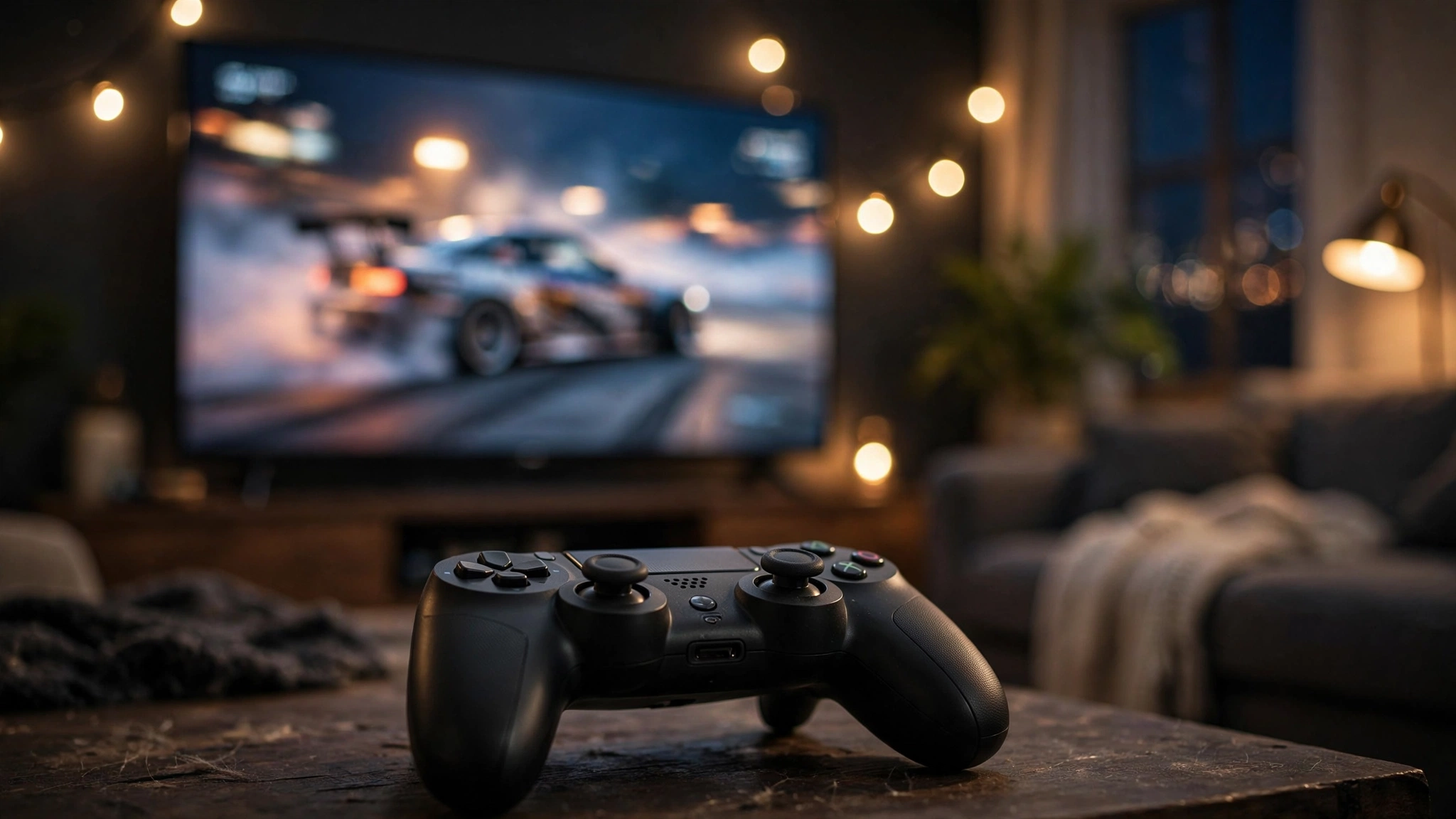
Touch controls work fine, but there’s something special about throwing a car sideways with a proper analog stick. If you’ve ever wondered whether you can hook up a gamepad to Drive Zone Online, the answer is yes — Drive Zone Online controller support is real, and setup takes about two minutes.
This guide covers which controllers work, how to connect them (Bluetooth and wired), how to map buttons and tune sensitivity, and how to fix the common issues players run into. By the end, you’ll be drifting with sticks instead of thumbs.
Does Drive Zone Online Support Controllers?
Yes. Drive Zone Online recognizes standard Android gamepads — the same ones that work across most modern Android games. When a compatible controller is connected, the game typically detects it automatically and switches the input scheme, showing button prompts instead of touch overlays.
Support covers the essentials: analog steering, throttle and brake (including analog triggers where the controller has them), handbrake, nitro, camera changes, and menu navigation. You shouldn’t need any third-party key-mapping apps for mainstream controllers.
Which Controllers Work Best
Any controller that Android itself recognizes should work. In practice, these are the most reliable options:
Xbox Controllers (One / Series X|S)
The easiest pick. Modern Xbox controllers pair over Bluetooth with no fuss, have excellent analog triggers for throttle/brake control, and comfortable sticks for steering. If you’re buying a controller specifically for mobile gaming, this is the safest choice.
PlayStation Controllers (DualShock 4 / DualSense)
Both the PS4’s DualShock 4 and the PS5’s DualSense pair over Bluetooth and work well. The DualSense’s adaptive triggers won’t do anything special on Android — they’ll behave as normal triggers — but the sticks and face buttons all map correctly.
Generic Bluetooth Gamepads
Brands like 8BitDo and other mobile-focused gamepads generally work, since they present themselves as standard Android controllers. Quality varies, so stick to well-reviewed models. Ultra-cheap no-name pads sometimes have stick drift or mushy triggers that make precise driving miserable.
Wired Controllers (USB OTG)
If your phone supports USB OTG, a wired controller connected via an OTG adapter works too — and eliminates any Bluetooth latency. This is the enthusiast option: zero wireless lag, no battery anxiety, but you’re tethered to your phone.
How to Connect Your Controller (Step by Step)
Bluetooth Pairing
- Put your controller in pairing mode (on Xbox controllers, hold the pair button; on DualShock 4, hold Share + PS; on DualSense, hold Create + PS until the light blinks).
- On your phone, go to Settings → Bluetooth and make sure Bluetooth is on.
- Tap the controller’s name when it appears in the available devices list.
- Once it shows as connected, launch Drive Zone Online.
- The game should detect the gamepad automatically — touch controls will typically hide or shrink.
Wired (USB OTG)
- Connect the OTG adapter to your phone, then plug the controller into the adapter.
- Android should recognize it immediately — no pairing needed.
- Launch the game and check that inputs register.
If the game doesn’t react to the controller on first launch, fully close the app and reopen it with the controller already connected. Detection happens at startup in most cases.
Mapping Buttons and Tuning Sensitivity
Once connected, head into the game’s control settings. Here’s what to dial in:
- Steering sensitivity: Start at default and adjust after a few drift runs. Too twitchy and you’ll spin; too sluggish and you can’t catch slides. Small changes make a big difference with analog sticks.
- Trigger ranges: If your controller has analog triggers, make sure the game reads the full pull — partial throttle control is a huge advantage in drift events.
- Handbrake placement: Put it somewhere your finger rests naturally. You’ll use it constantly while drifting.
- Nitro and camera: Map these to shoulder buttons so your thumbs never leave the sticks during a run.
Don’t remap everything at once. Change one thing, drive for ten minutes, then change the next. Your muscle memory needs time to settle.
Controller vs Touch Controls: Which Is Better?
Honest answer: it depends on the event.
| Event Type | Controller Advantage | Touch Advantage |
|---|---|---|
| Drifting | Analog steering makes smooth angle control much easier | Quick handbrake taps can feel snappier |
| Circuit racing | Precise steering and analog throttle/brake | Nothing major — controller wins here |
| Drag racing | Minimal — it’s mostly timing | Big on-screen buttons are hard to miss |
| Open-world cruising | Comfort for long sessions | No extra gear to carry |
For drifting especially, a controller is transformative — holding a precise drift angle with an analog stick is far more intuitive than sliding a thumb across glass. Pair it with one of the cars from our best drift cars guide and you’ll feel the difference immediately.
Troubleshooting Common Controller Problems
The Game Doesn’t Detect My Controller
First, confirm Android sees it: the controller should appear as “Connected” in Bluetooth settings and work in other apps or menus. If Android sees it but the game doesn’t, force-close Drive Zone Online completely and relaunch with the controller already connected.
Input Lag or Delayed Steering
Bluetooth adds a small amount of latency. If it feels noticeable: move the phone closer, turn off other Bluetooth devices (headphones especially — audio over Bluetooth competes for bandwidth), or switch to a wired OTG connection for zero lag. Also check our lag-fix guide — some “controller lag” is actually game or network lag.
Controller Disconnects Mid-Race
This is almost always low controller battery or Bluetooth interference. Charge the controller fully, keep the phone nearby, and disable battery-optimization for Bluetooth if your phone aggressively kills background connections.
Buttons Feel Wrong or Unmapped
Some generic controllers report unusual button layouts. Check the game’s control settings for a remap option, and if the layout is truly bizarre, the controller may be presenting itself in an odd mode — many have a mode-switch button combination (check the manual).
Playing on PC? Even Easier
If you run Drive Zone Online on a PC through an emulator, controller support is even more straightforward — emulators map gamepads natively and let you customize everything. See our PC setup guide for the full walkthrough, including keyboard alternatives if you prefer those.
And if you’re into organized multiplayer, controllers shine in the game’s social events — check the game modes overview to find the events where precise car control pays off most.
Frequently Asked Questions
Does Drive Zone Online support PS5 controllers?
Yes. The DualSense pairs over Bluetooth and works as a standard Android gamepad. Its special features like adaptive triggers and haptics won’t activate on Android — it behaves as a normal controller with analog sticks and triggers.
Can I use an Xbox controller with Drive Zone Online on Android?
Yes, Xbox One and Series X|S controllers are among the most reliable options. Put the controller in pairing mode, connect it in your phone’s Bluetooth settings, then launch the game — it should be detected automatically.
Do I need a root or a key-mapping app to use a controller?
No. Mainstream controllers (Xbox, PlayStation, 8BitDo, and most generics) are recognized directly by Android and the game. Third-party mappers are only a fallback for unusual controllers the game doesn’t detect.
Is a controller better than touch controls for drifting?
For most players, yes. Analog sticks give much finer steering control, which makes holding drift angles easier and more consistent. Touch buttons can still be competitive, especially for drag racing where steering barely matters.
Why does my controller keep disconnecting?
Low battery is the most common cause, followed by Bluetooth interference from other devices (especially wireless headphones). Charge the controller, keep your phone close, and disconnect other Bluetooth gadgets while playing.
Want more Drive Zone Online tips & tricks?