Drive Zone Online Car Customization Guide — Paint, Rims, Vinyls & Tuning
⚡ Quick Answer
Drive Zone Online customization happens in the garage: pick a car, open the customization menu, and change paint, rims, vinyls, body kits, and performance parts. Visual mods change how your car looks; performance tuning changes how it drives — upgrade engine, tires, and suspension first for the biggest difference.
Half the fun of a racing game is building a car that is unmistakably yours. Drive Zone Online customization goes deep — from wild paint jobs and custom vinyls to engine swaps and suspension tuning that genuinely change how a car handles. This guide covers everything the garage offers and the smartest order to spend your money.
Whether you want a head-turning show car or a drift monster that actually performs, start here.
Where to Customize Your Car
All customization happens in the garage. Getting there is simple:
- From the main menu, tap Garage.
- Select the car you want to modify.
- Tap Customize to open the full customization menu.
- Switch between the Visual and Performance tabs at the top.
- Preview every change live on your car before spending — the 3D preview updates instantly.
Tip: always preview in different lighting. A paint color that looks amazing under garage lights can look completely different out on the sunny coastal highway.
Visual Customization: Paint, Rims, Vinyls & Body Kits
Visual mods do not make you faster, but they make the game yours. Here is what you can change:
- Paint — dozens of colors plus metallic, matte, chrome, and pearlescent finishes. Matte black and chrome are the community favorites for a reason.
- Rims — change the style, size, and color of your wheels. Bigger rims look aggressive but check that they suit the car’s style.
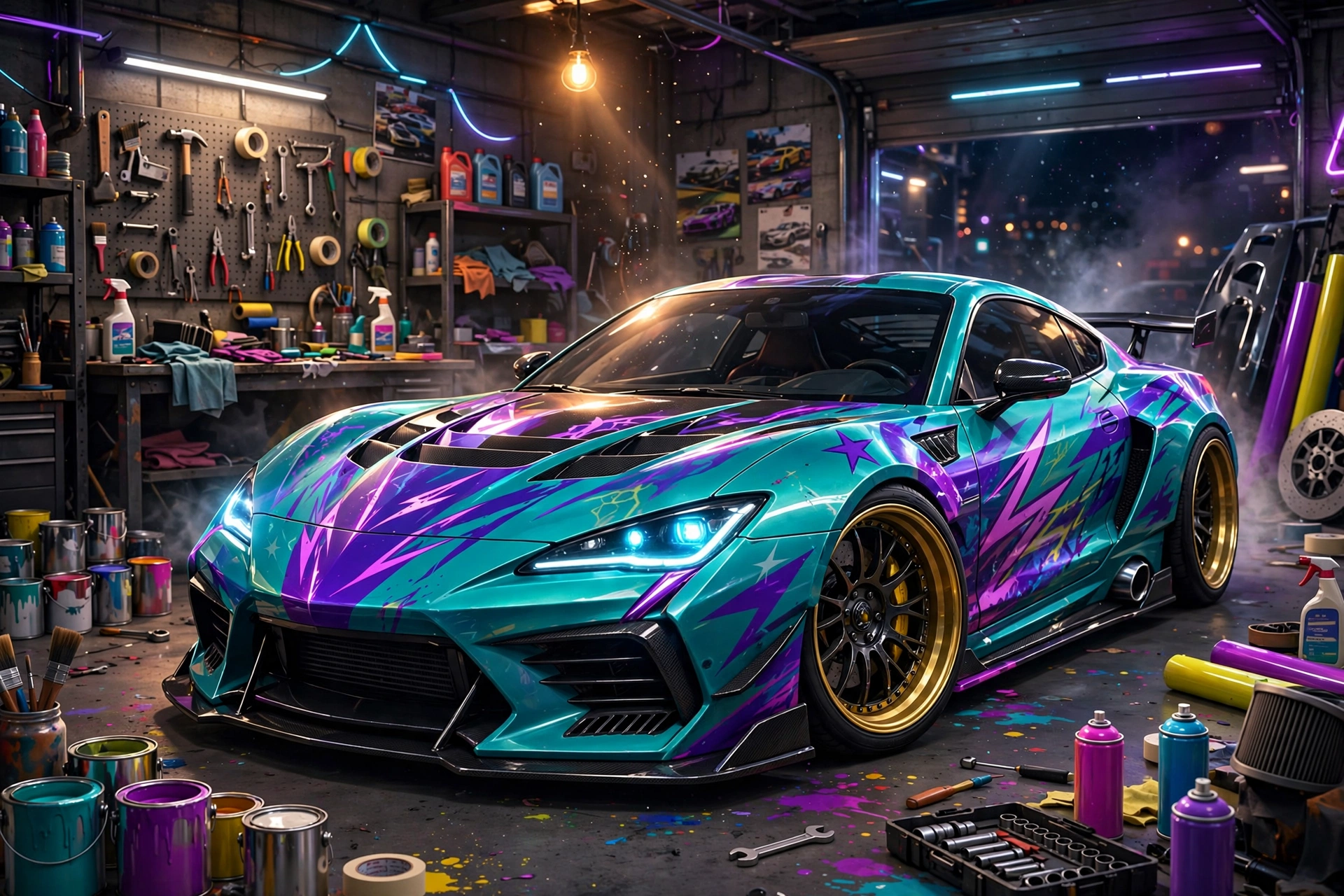
- Vinyls — apply pre-made designs or create your own with the vinyl editor. Layer multiple vinyls for complex liveries — racing stripes over a base color is a classic that never fails.
- Body kits — bumpers, spoilers, side skirts, and wide-body kits that change the car’s silhouette. A rear spoiler is the single most visible upgrade you can add.
- Extras — window tints, neon underglow, headlight colors, and exhaust styles round out the look.
The vinyl editor deserves special mention: you can resize, rotate, and layer shapes to build genuinely original designs, then save them to reuse on other cars. Players who master it produce liveries that look straight out of a professional racing team.
Performance Tuning: What Actually Makes You Faster
Performance parts change acceleration, top speed, grip, and handling. If you only care about winning, spend here first:
| Upgrade | What It Does | Priority |
|---|---|---|
| Engine | More horsepower — better acceleration and top speed | High — upgrade first |
| Tires | More grip — better cornering and shorter braking | High — essential for races |
| Suspension | Controls body roll and ride height — sharper handling | High — key for drift builds |
| Turbo / Nitrous | Burst of extra speed on demand | Medium — great for drag and highway |
| Gearbox | Faster shifts and tuned gear ratios | Medium — noticeable in races |
| Brakes | Shorter stopping distance | Low — upgrade last |
Best Upgrade Order for New Players
Do not spread your money thin across everything. Follow this order and your car will feel transformed fast:
- Engine to level 2–3 — the raw power jump is immediately noticeable.
- Tires — power means nothing if you cannot put it on the road.
- Suspension — lower it slightly and stiffen it for sharper turn-in.
- Turbo — now add the fun button for straights and overtakes.
- Gearbox, then brakes — fine-tuning once the core build is done.
Drift Build vs Race Build: Quick Presets
One car cannot do everything perfectly. Here are two proven setups:
- Drift build: soft rear suspension, low-grip rear tires, high steering angle, rear-wheel drive. Lower tire pressure at the back helps the car slide on demand.
- Race build: stiff suspension, maximum-grip tires, balanced downforce, all-wheel drive if available. Prioritize corner exit speed over sliding.
If you can only afford one build, go with the race setup first — it is competitive everywhere, while a pure drift build struggles on grip circuits.
FAQ
Where is the customization menu in Drive Zone Online?
Open the Garage from the main menu, select a car, and tap Customize. The menu splits into Visual and Performance tabs.
Do visual mods affect performance?
No. Paint, rims, vinyls, and body kits are purely cosmetic. Only parts in the Performance tab — engine, tires, suspension, turbo, gearbox, brakes — change how the car drives.
What is the best first upgrade for a new car?
The engine. A level 2–3 engine upgrade gives the biggest immediate improvement, followed by tires so you can actually use the extra power.
Can I save my vinyl designs?
Yes. The vinyl editor lets you save custom designs and apply them to other cars, so a livery you love is never locked to one vehicle.
How do I build the best drift car?
Use a rear-wheel-drive car, soften the rear suspension, fit lower-grip rear tires, and increase the steering angle. Then practice throttle control — drifting is more about the driver than the parts.
Want more Drive Zone Online tips & tricks?